Login Troubleshooting
Signing in to LumoAuth
| Symptom | Likely cause | Fix |
|---|---|---|
| "Invalid credentials" right after signing up | The email address has not been verified yet. For security, the message is the same as for a wrong password. | Open the verification email, or use Resend the verification email under the login error. |
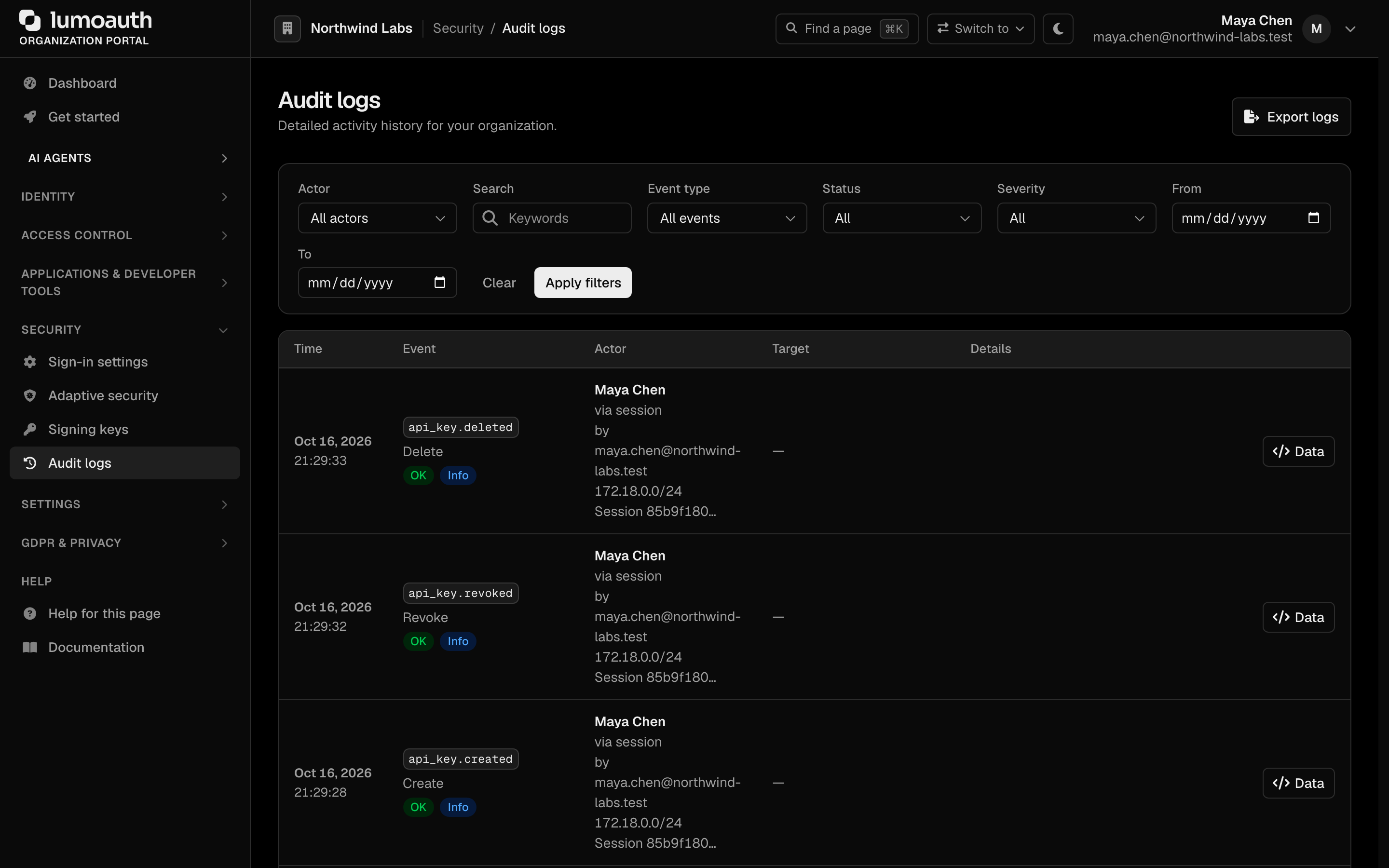
| "Invalid credentials" for an existing user | Wrong password, blocked or deactivated account, or an account locked after repeated failures. | Use Forgot password. Once the attempt budget is spent you may see an Account Temporarily Locked page instead; wait 15 minutes. An admin can check Security → Audit logs and filter by the user. |
| Asked to verify your email on sign-in | The sign-in looked unusual (new device or location). | Enter the 10-character code from the email. Letters are not case-sensitive. |
| The verification code never arrives | Mail delivery or the spam folder. | Wait a minute, check spam, then choose Resend. Codes expire after 10 minutes. |
| The magic link opens a confirmation page | By design. It stops mail scanners from using up the link. | Click Sign in on that page. |
| Nothing happens after entering your email | JavaScript is blocked. | Enable JavaScript, or use the plain sign-in form shown when scripts are off. |
OAuth and OIDC errors in your application
| Error | Meaning | Fix |
|---|---|---|
redirect_uri mismatch or "invalid redirect URI" | The URI in the request is not an exact, character-for-character match with one registered on the application. | Add the exact URI (scheme, host, port, path, trailing slash) on the application's configuration page. See Redirect URI rules. |
invalid_client | Wrong client ID or secret, the client is disabled, or it belongs to a different organization. | Check the credentials and the organization ID in the URL. Regenerate the secret if it was lost. |
invalid_grant | The authorization code was used twice or expired, the PKCE verifier does not match, or a refresh token was revoked. | Start the sign-in again. Use each code once, immediately. |
access_denied | The user declined consent, or a policy blocked the request. | Ask the user to retry, or check the application's access policy. |
state mismatch in your app | The state your app stored does not match the one returned. | Generate a fresh state per sign-in and keep it in the user's session, not a global variable. |
403 on the Admin API with a user token | The token carries openid profile email only. | Use an API key with the scopes you need. |
Still stuck?
-
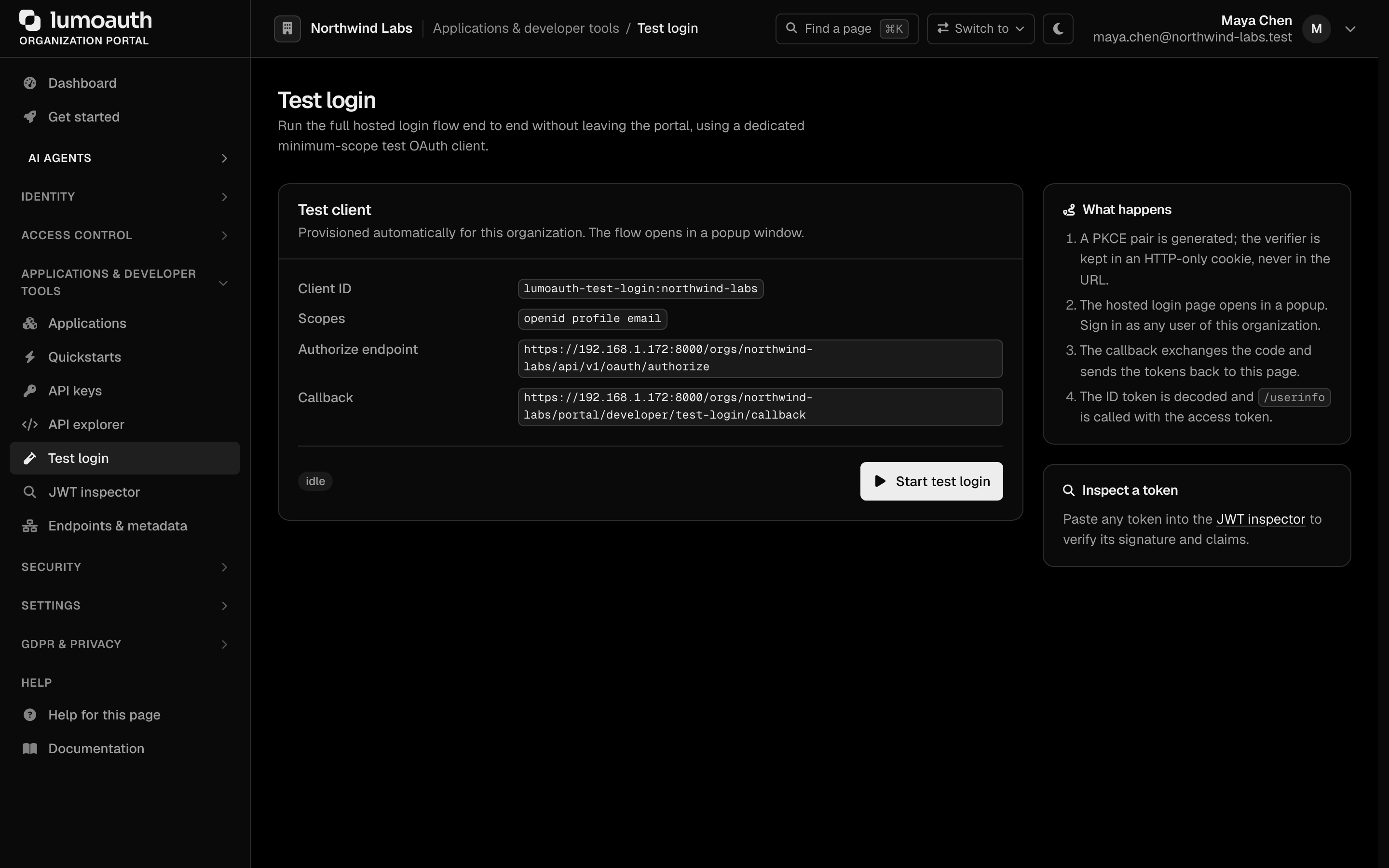
Open Test login (under Applications & developer tools) in the portal and click Start test login to run a clean sign-in against your organization.
-
Decode your token in the JWT inspector and compare the issuer with the one on Endpoints & metadata.
-
Check Security → Audit logs for the failed attempt, and see Error codes.