Organization Data Export
LumoAuth lets organization administrators export all organization data as a downloadable file. This is useful for backups, migrations, compliance audits, or handing off data to another system.
What's Included in the Export
An organization export contains all data scoped to your organization. The Data export page lists what the file includes:
| Group | Included |
|---|---|
| Organization configuration | Sign-in settings and policies, login page customization, adaptive auth settings, AI and SCIM (automatic user provisioning) settings |
| Users & access | All user profiles and preferences; roles, permissions and groups; session history; consent grants |
| Applications & integrations | OAuth clients and configuration, SAML 2.0 service providers and IdPs, OIDC identity providers, social login providers, webhooks and LDAP configurations |
| Security & audit | Signing keys (public keys only), audit logs (last 90 days — only when you hold audit.export), IdP connections |
Credentials and secrets
Client secrets, private keys, passwords, MFA (multi-factor authentication) secrets and access tokens are not included in exports for security reasons. The file may still contain personal data for all users, so store and handle it securely.
Creating an Export
- Go to Data export in the sidebar (under Settings,
/orgs/{orgId}/portal/data-export) - Click Download export — the export downloads immediately as a JSON file. Repeated downloads are rate-limited (
429"Too many export requests, try again later.")
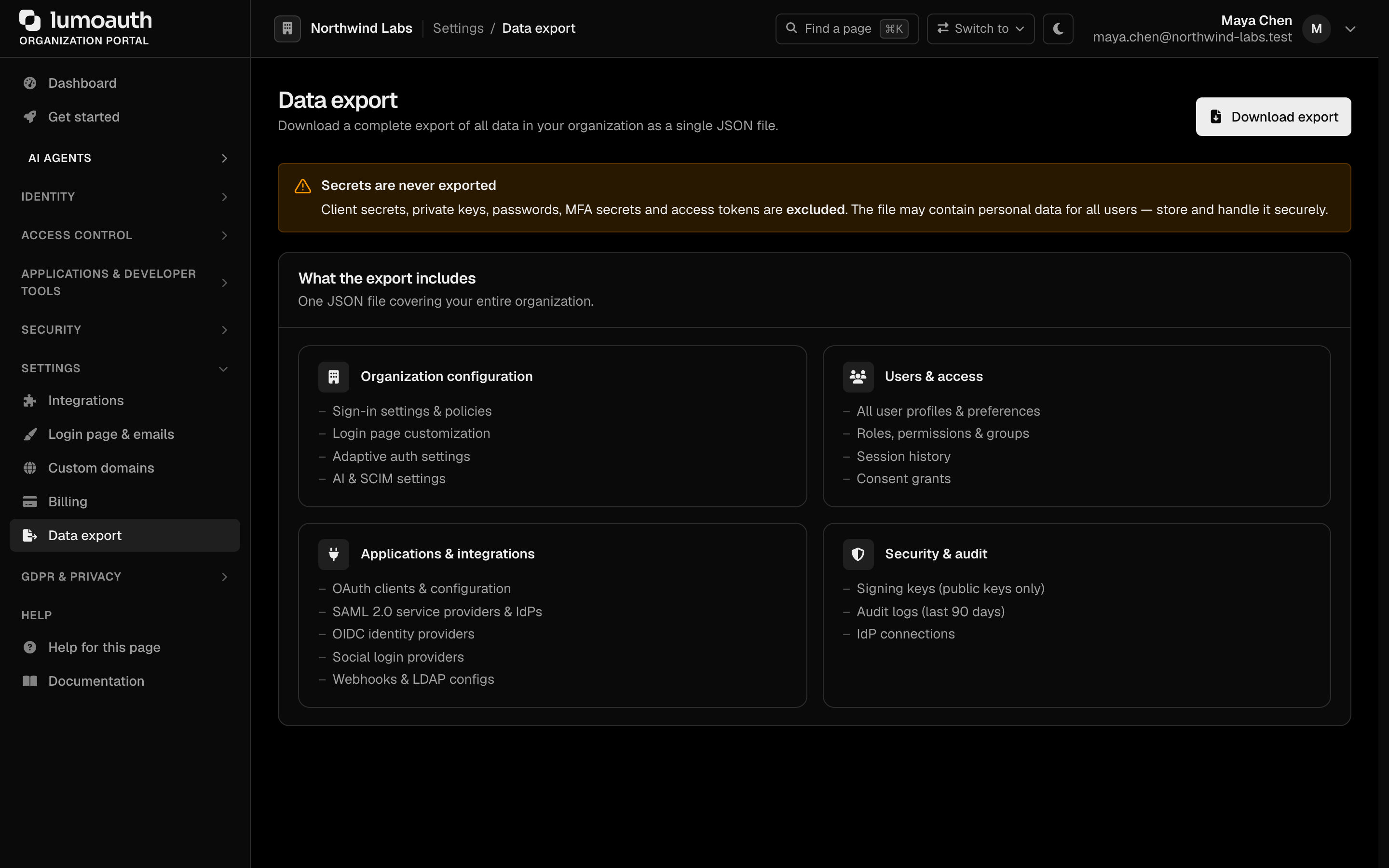
The export is generated synchronously and downloads as a single JSON document.
Related
- GDPR Compliance — individual user data exports for data subject requests
- Audit Logs — per-event audit trail